ID Photo Maker
Professional ID photos at home! Switch between official backgrounds instantly - no photo studio needed
Professional ID photos at home — switch between official red, blue, and white backgrounds instantly, no photo studio needed.
All modesYou can verify AI images with an independent checker.
Example outputs
Real results from this mode
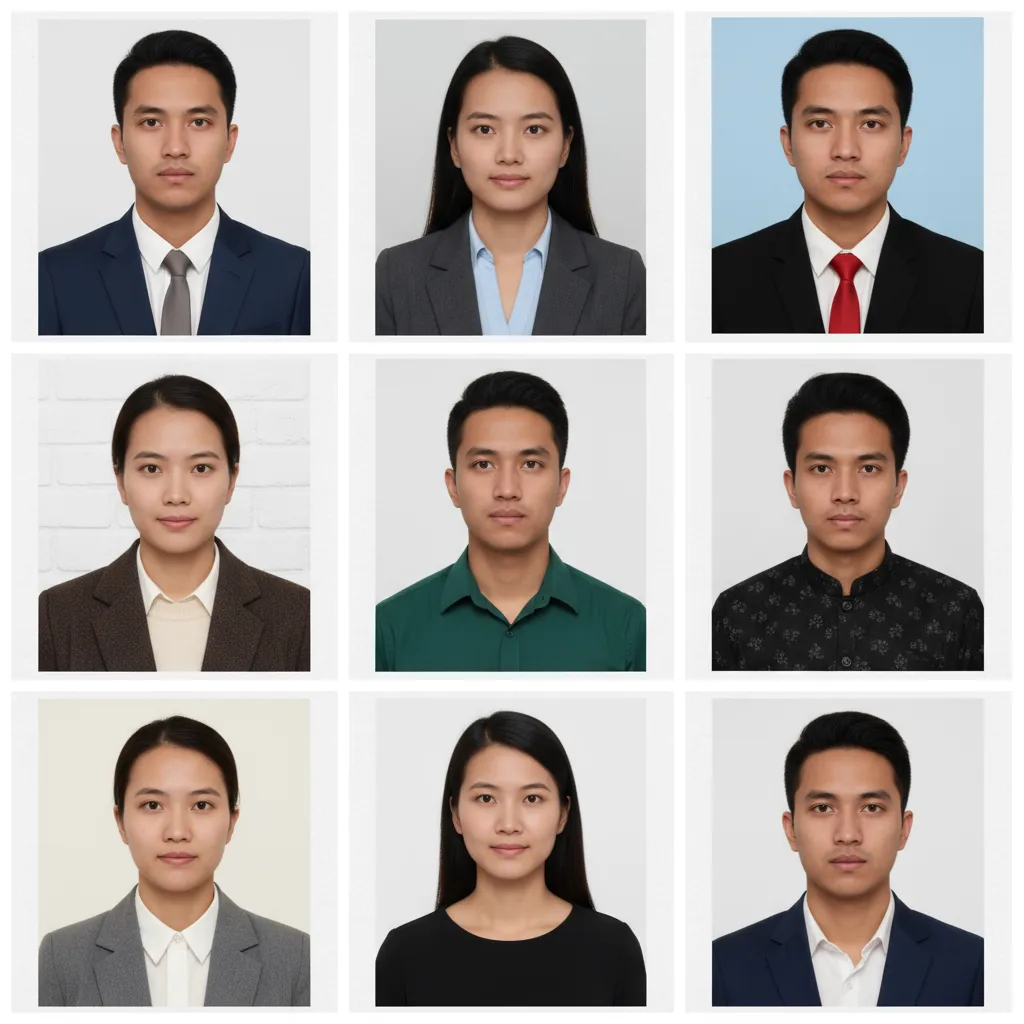
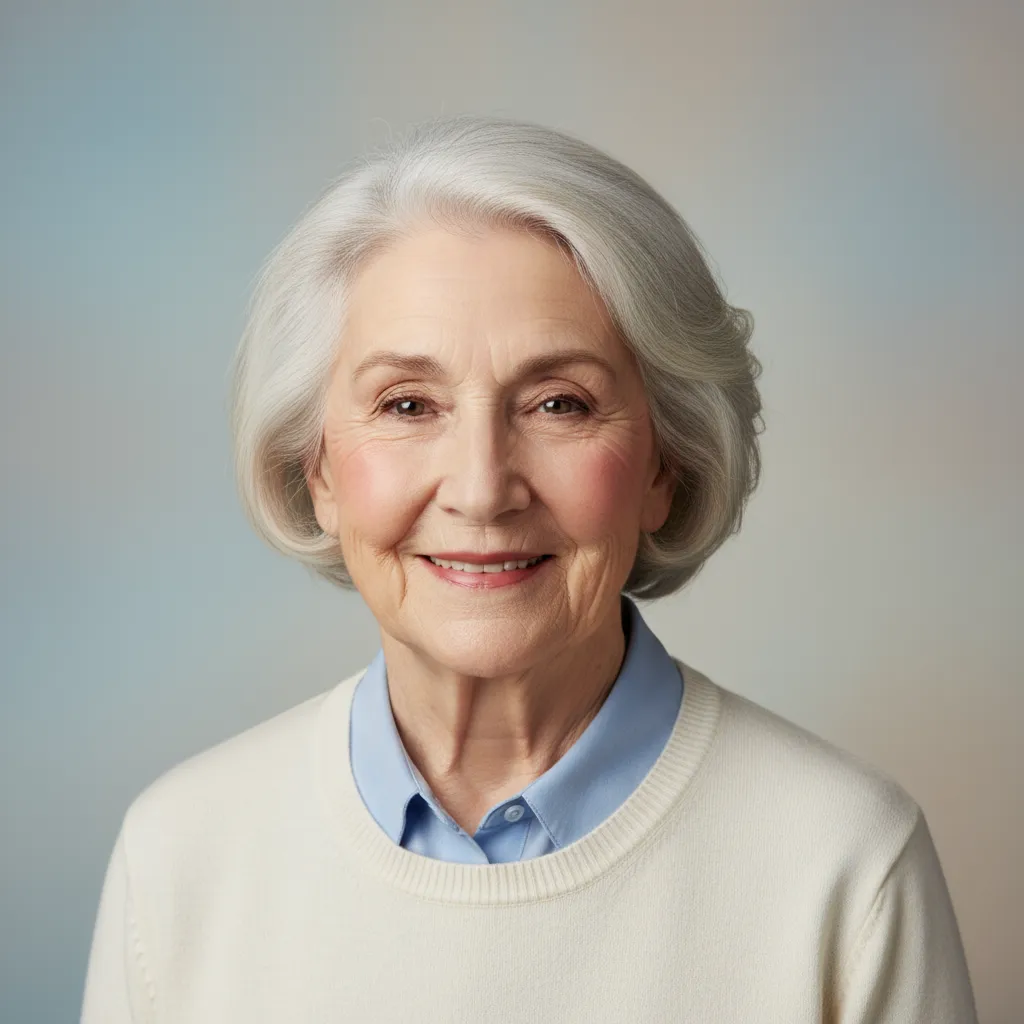
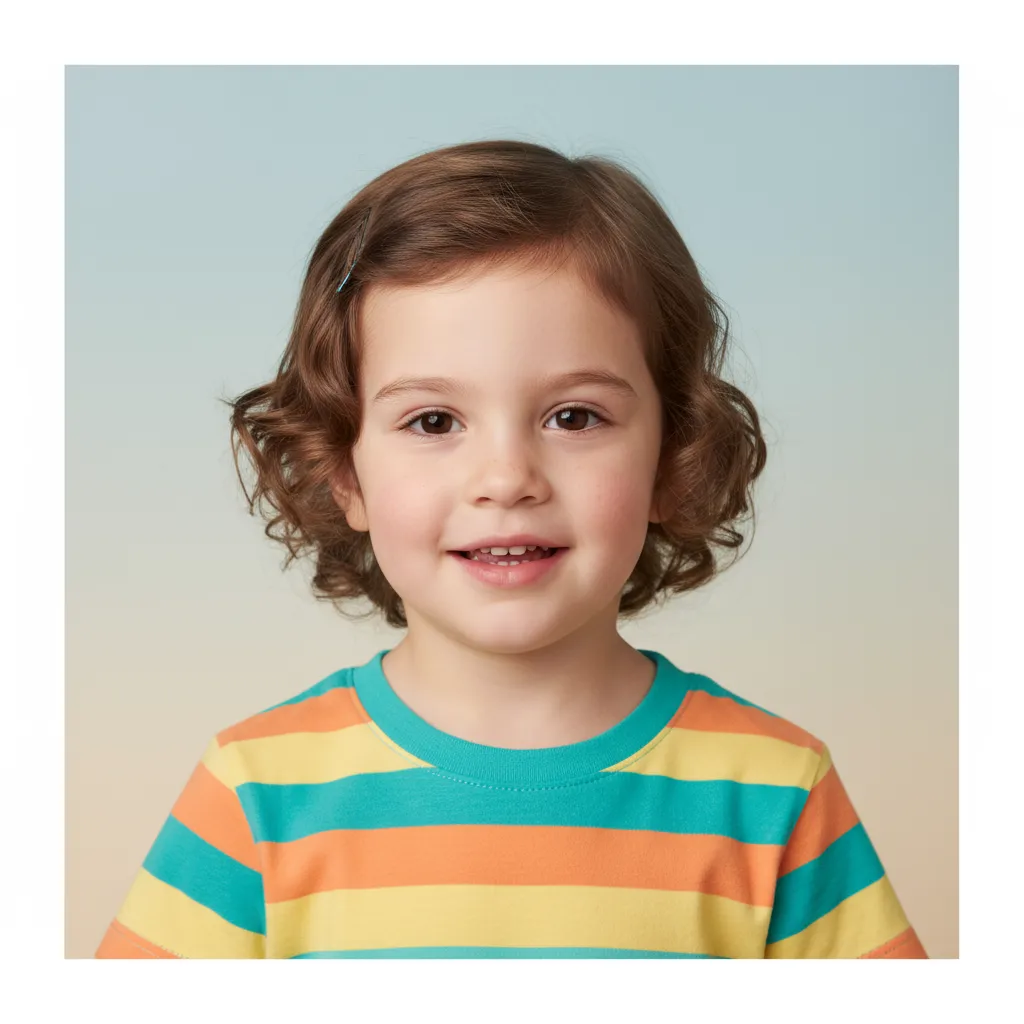
Real sample outputs migrated from our legacy site nanobananas.ai — not stock photos, not mockups.
How it works
Three steps to your first result
- 01
Upload or describe
Have an image? Upload it and say how you want it changed. No image? Just describe the picture you want — some modes offer extra settings to tune first.
- 02
Generate
Click generate and wait a few seconds without refreshing the page. If you leave midway, the finished image still lands in your history.
- 03
Refine and download
Re-edit the result with a follow-up prompt until you are happy, then download the high-resolution PNG or share it.
Pro tips
Get better results
Upload a clear front-facing portrait, maintain uniform lighting and clear features
In the prompt, indicate background color, clothing type and country or usage standards
If you need to adjust hairstyle or makeup, you can add specific details and color requirements
FAQ
Common questions
The standard official set — red, blue, and white — plus any color you name. Upload a clear front-facing portrait, state the background color and photo spec you need, and the subject is preserved with clean edges.
Keep exploring
More modes to try
Line Art Coloring
Bring black & white sketches to life! AI adds perfect colors to any line art - from coloring books to comics
Wedding Photo Creator
Create fairy-tale wedding photos! Romantic templates and dreamy settings for your perfect love story
Background Removal
Remove backgrounds while preserving main subjects with perfect edge detail and transparency