Interior Design
Transform spaces with different interior design styles using vibrant colors and modern aesthetics
Preview renovation ideas before spending a cent: transform a room photo into different interior design styles with vibrant colors and modern aesthetics.
All modesYou can verify AI images with an independent checker.
Example outputs
Real results from this mode
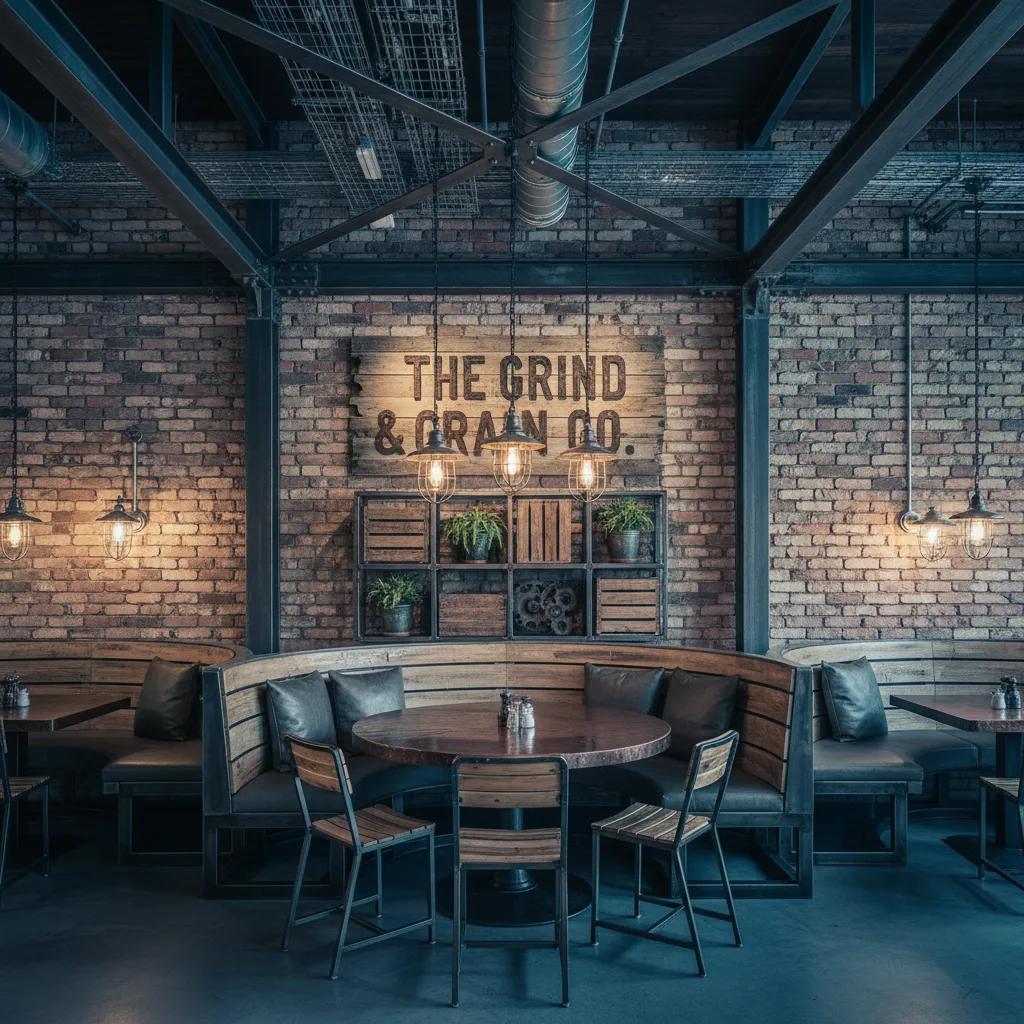
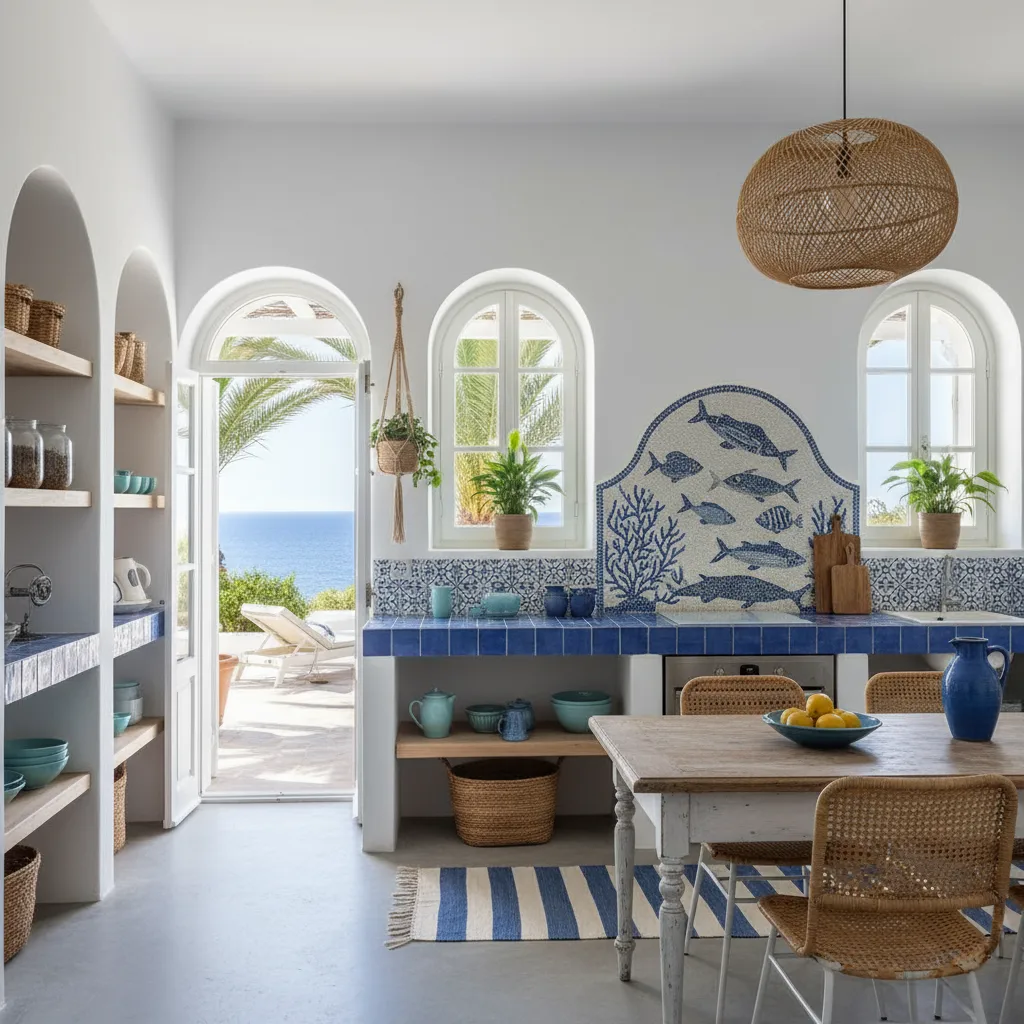
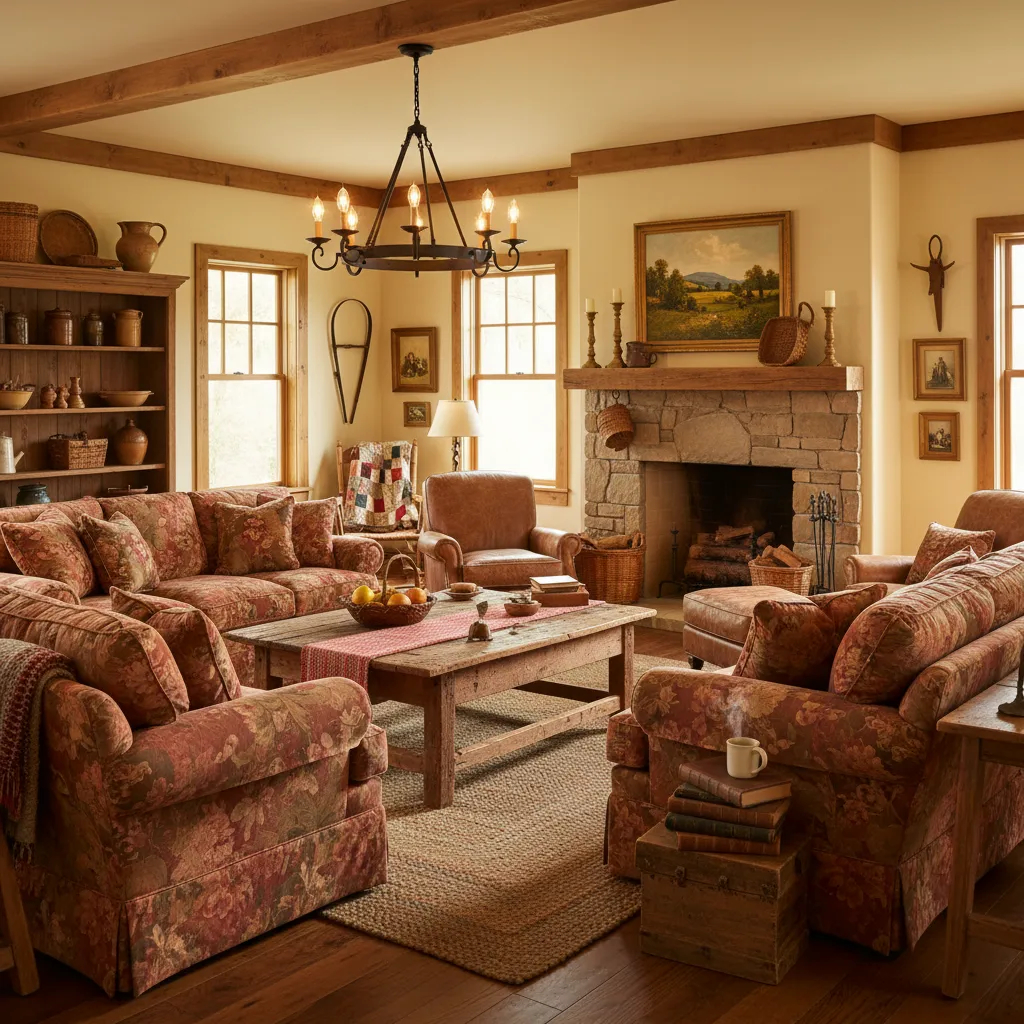
Real sample outputs migrated from our legacy site nanobananas.ai — not stock photos, not mockups.
How it works
Three steps to your first result
- 01
Upload or describe
Have an image? Upload it and say how you want it changed. No image? Just describe the picture you want — some modes offer extra settings to tune first.
- 02
Generate
Click generate and wait a few seconds without refreshing the page. If you leave midway, the finished image still lands in your history.
- 03
Refine and download
Re-edit the result with a follow-up prompt until you are happy, then download the high-resolution PNG or share it.
Pro tips
Get better results
Specify space type (living room, bedroom, commercial space) and approximate area
In the prompt, list main colors, materials and style direction, such as minimalist, cream, industrial
Indicate important functional areas, furniture arrangement and lighting requirements for easier generation of feasible plans
FAQ
Common questions
Scandinavian, Japanese minimalism, industrial, new Chinese, mid-century modern — name any style. Upload the room photo, keep the layout unchanged, and generate 4 variants to compare styles side by side.
Keep exploring
More modes to try
Cartoon Comic
Transform photos into vibrant cartoon comic book panels with expressive character designs
Text Render
Crisp lettering and typography inside generated art.
Element Extractor
Smart background removal made easy! Extract any element from photos - people, objects, or anything you need