Landmark Annotation
Add AR-style information annotations to landmarks with historical and cultural details
Add AR-style information annotations to landmark photos — history, cultural background, and key facts laid out right on the image.
All modesYou can verify AI images with an independent checker.
Example outputs
Real results from this mode
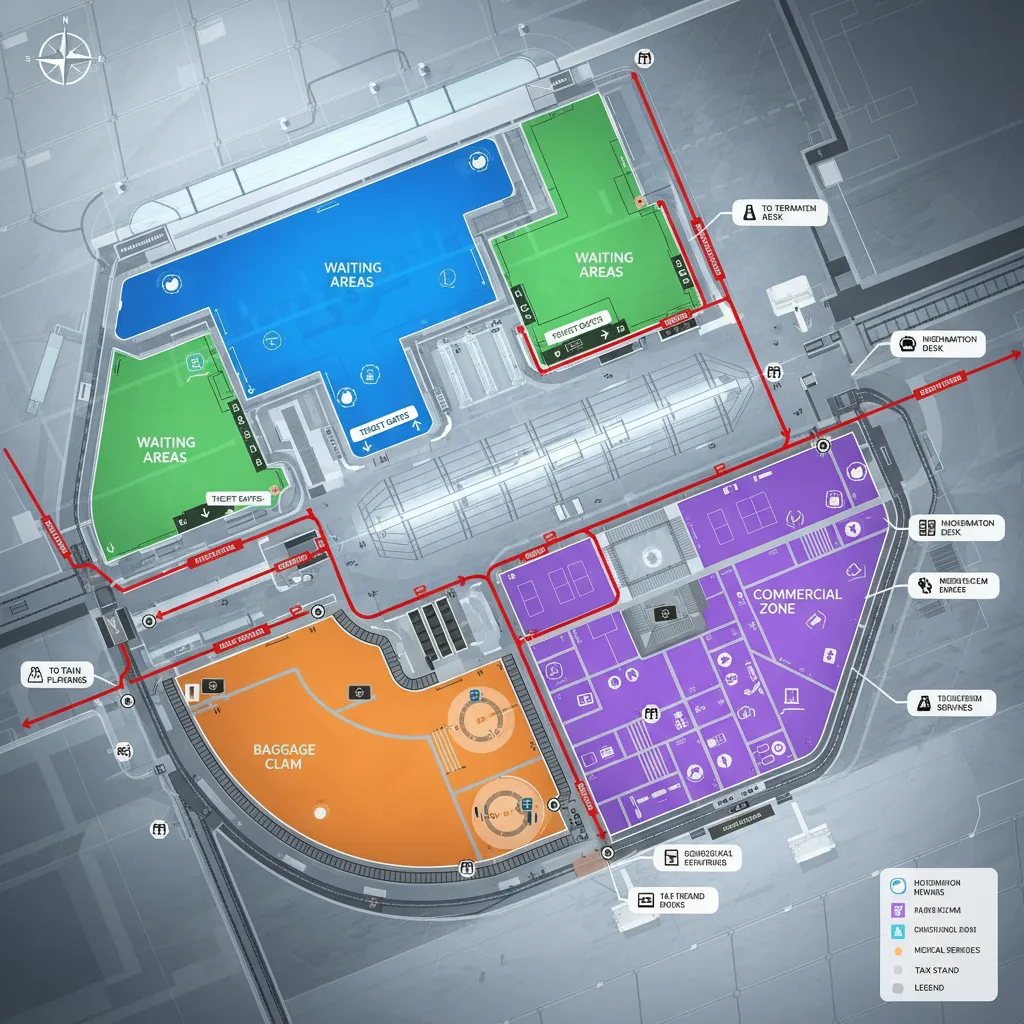
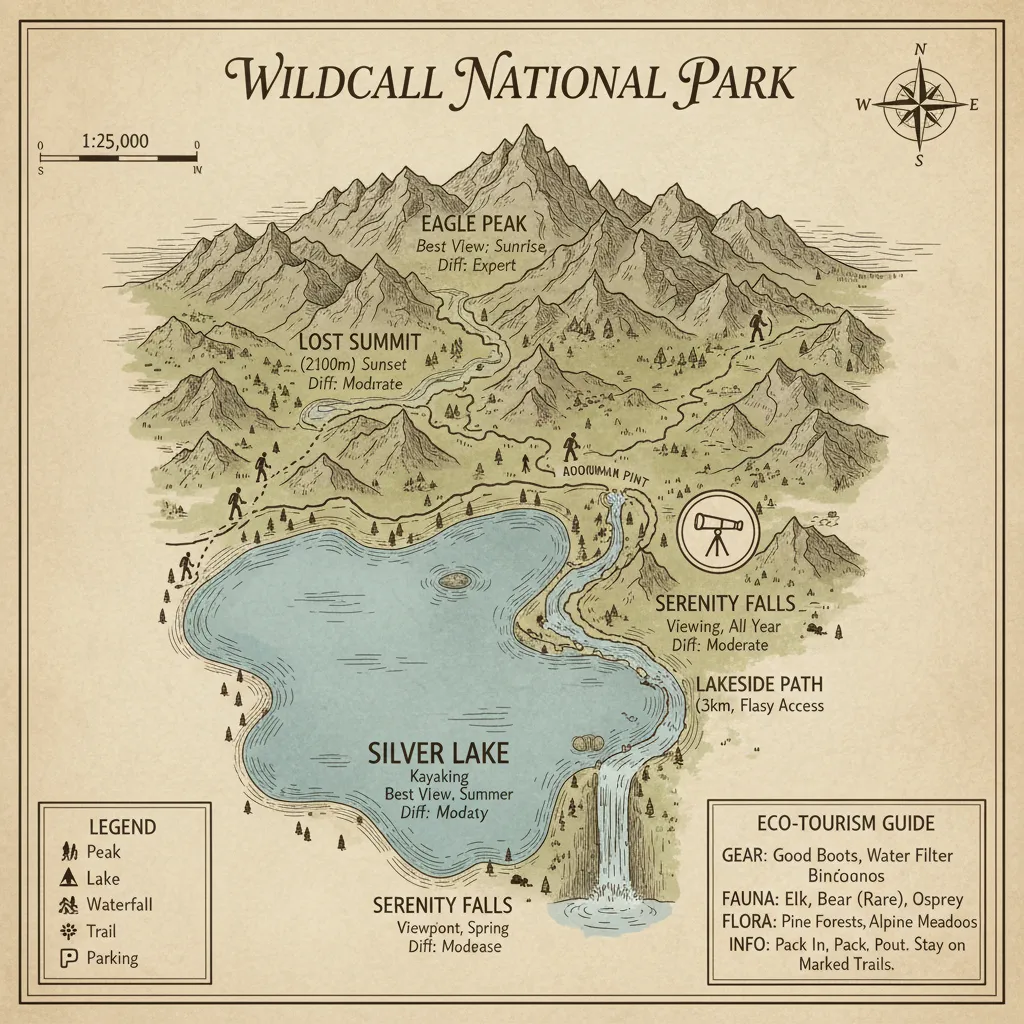
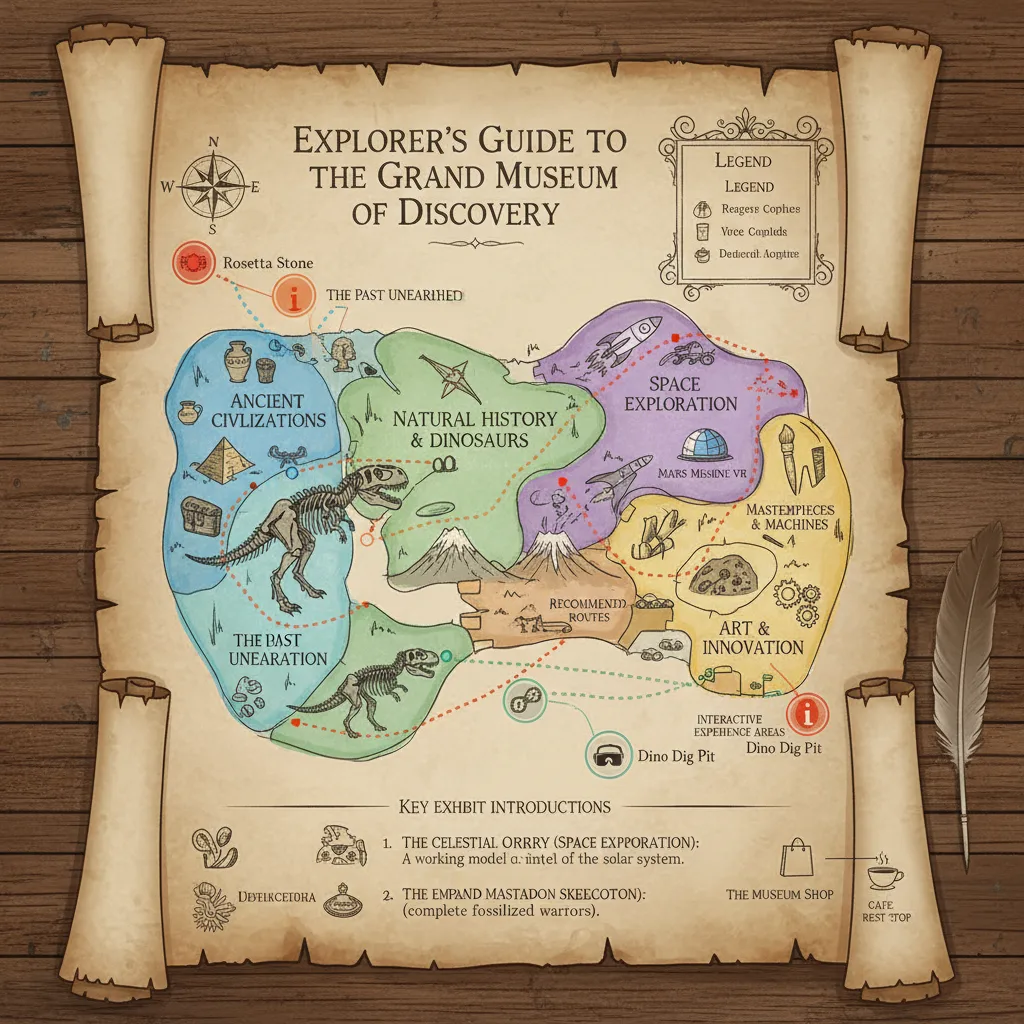
Real sample outputs migrated from our legacy site nanobananas.ai — not stock photos, not mockups.
How it works
Three steps to your first result
- 01
Upload or describe
Have an image? Upload it and say how you want it changed. No image? Just describe the picture you want — some modes offer extra settings to tune first.
- 02
Generate
Click generate and wait a few seconds without refreshing the page. If you leave midway, the finished image still lands in your history.
- 03
Refine and download
Re-edit the result with a follow-up prompt until you are happy, then download the high-resolution PNG or share it.
Pro tips
Get better results
Specify landmark name, city location and historical context information
Specify required annotation elements, such as arrows, text boxes or numbers
Describe shooting angle and composition, avoid text covering main buildings
FAQ
Common questions
Whatever you ask for: construction year, architect, height, historical events, or cultural background. Upload the landmark photo (or name it), list the facts you want called out, and they appear as clean AR-style labels on the image.
Keep exploring
More modes to try
Four Seasons
Generate four seasonal variations of the same scene showing different atmospheric moods
Game UI Design
Create RPG-style game screenshots with complete UI elements and immersive gaming atmosphere
Comic Storyboard
Create 9-panel comic storyboards that tell compelling narratives through visual storytelling