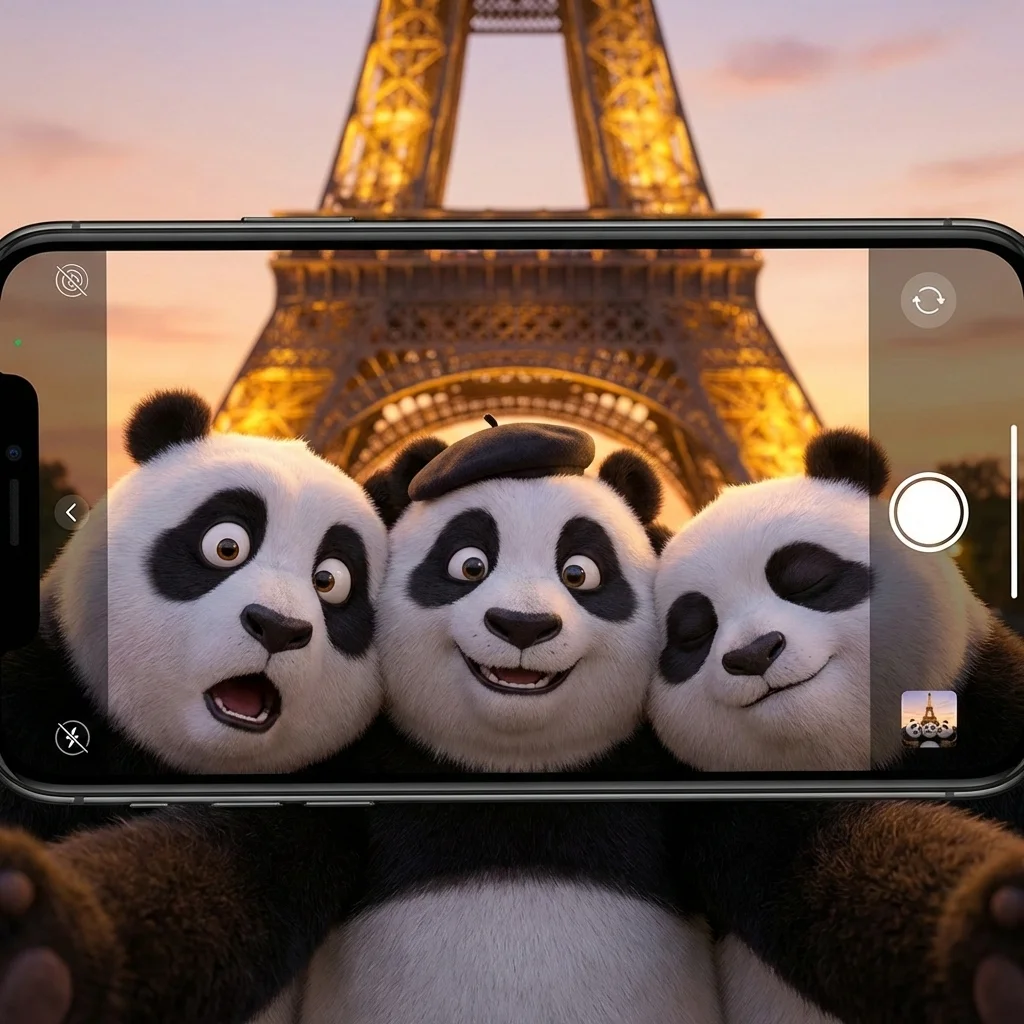
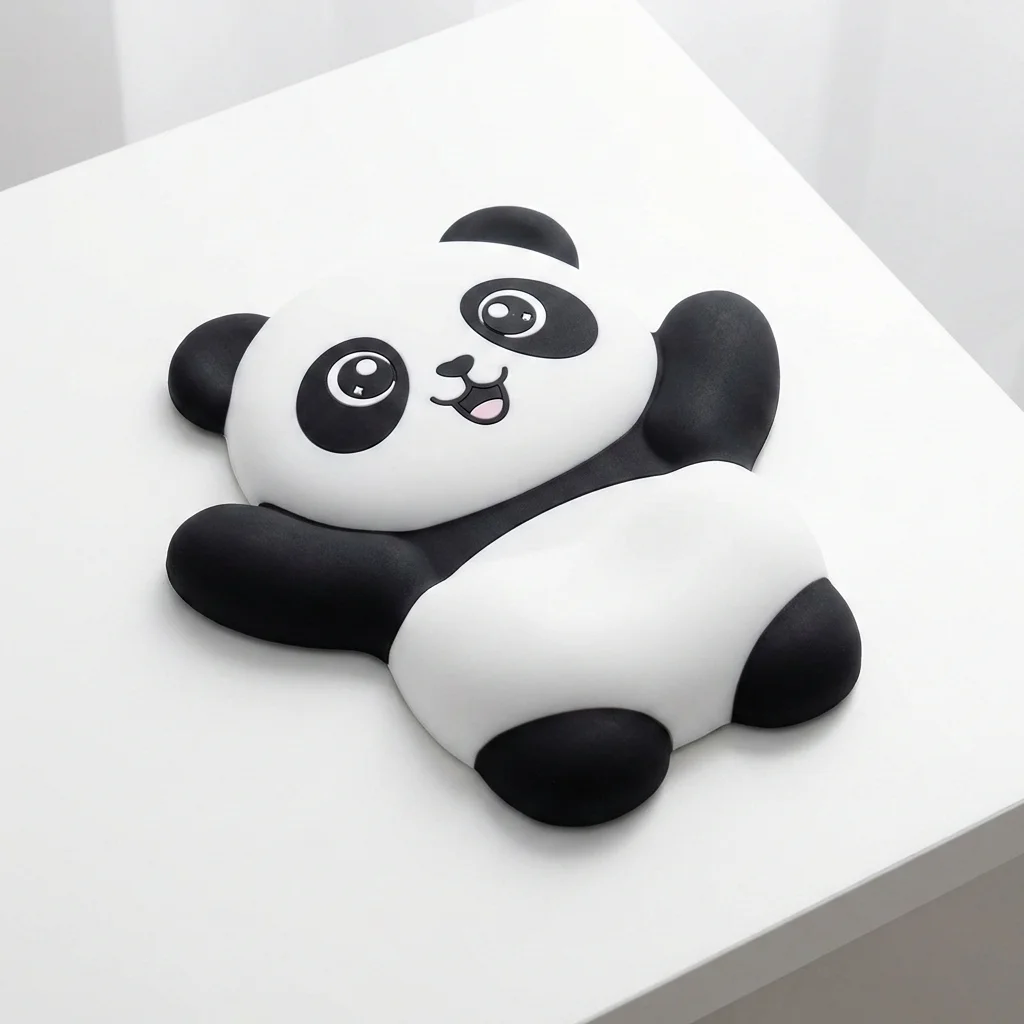
Art Style Transfer
Turn your photos into museum-worthy art! From impressionist paintings to pop art masterpieces in seconds
Turn your photos into museum-worthy art — from impressionist oil paintings to cyberpunk pop art. Name the target style, keep the subject's pose and composition, and add brushstroke or canvas texture cues for accuracy.
All modesYou can verify AI images with an independent checker.
Example outputs
Real results from this mode
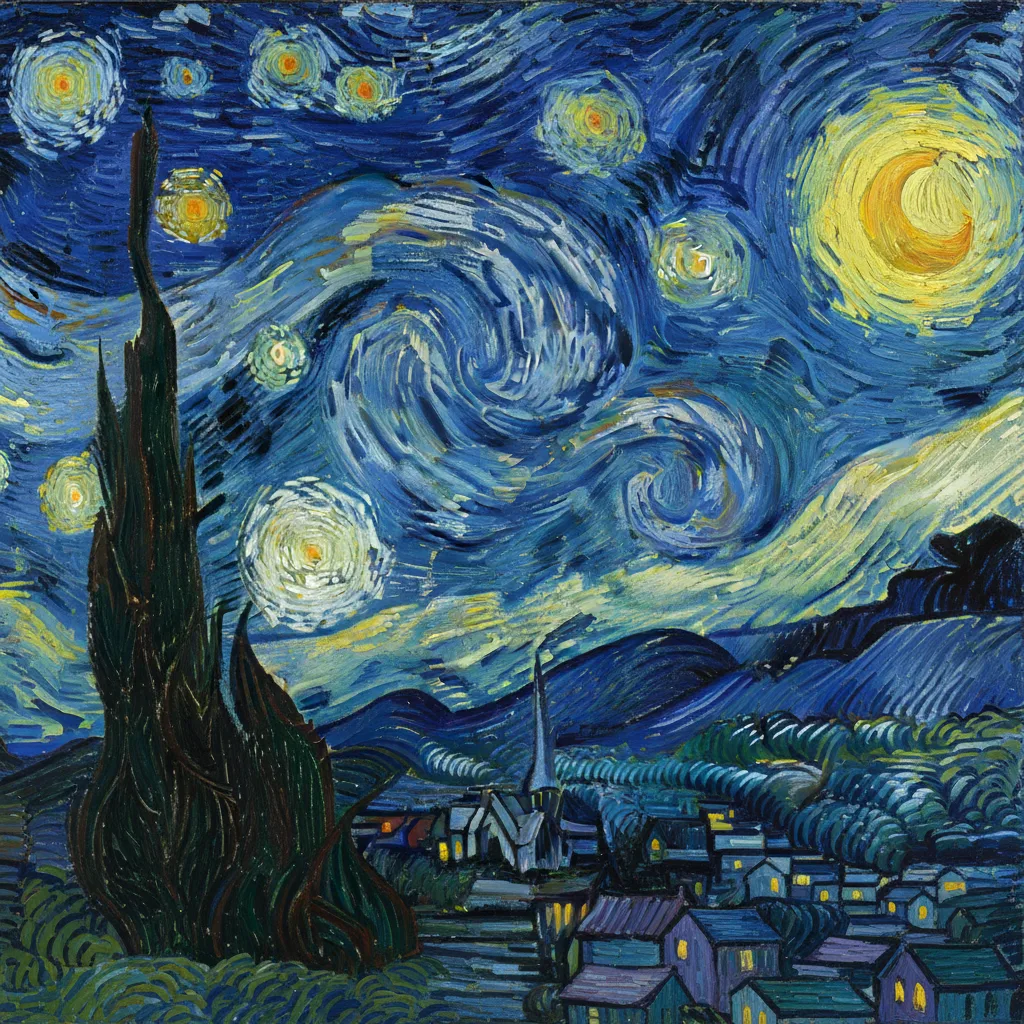
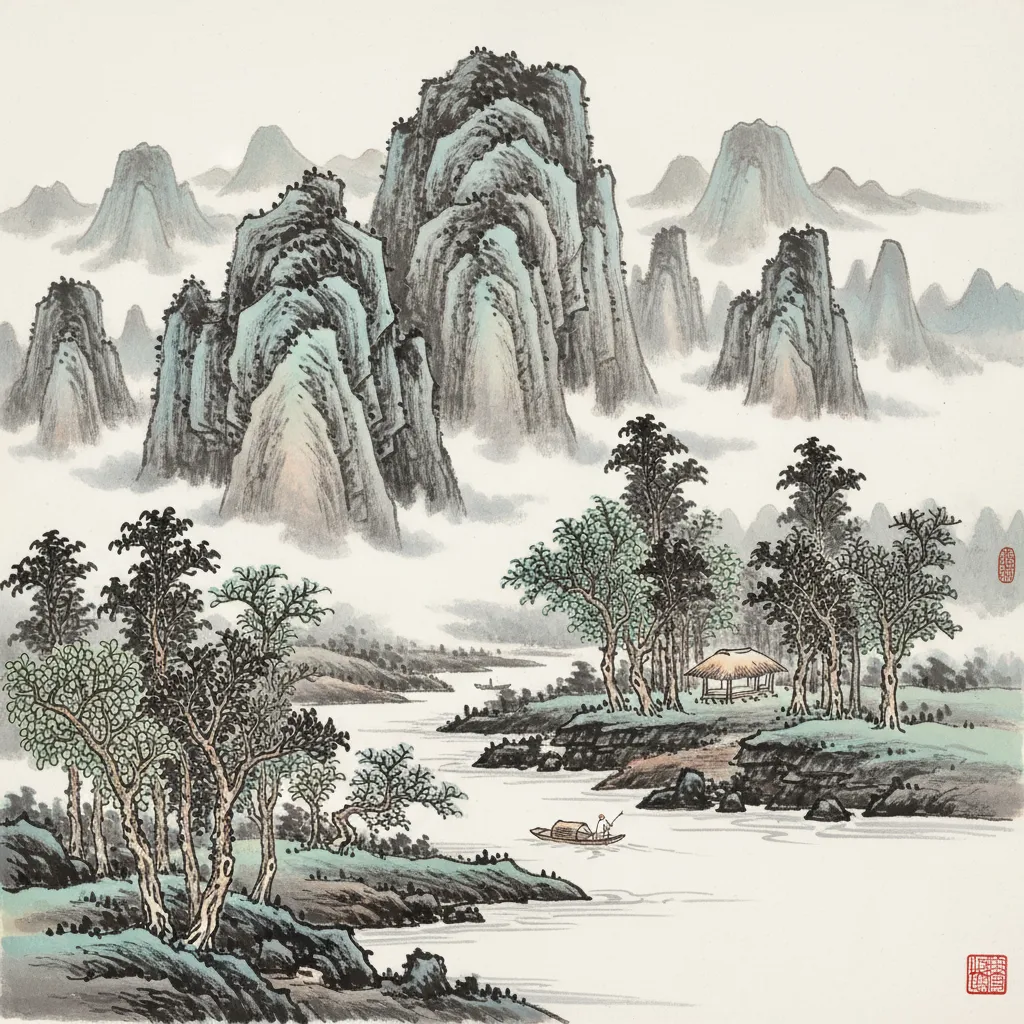
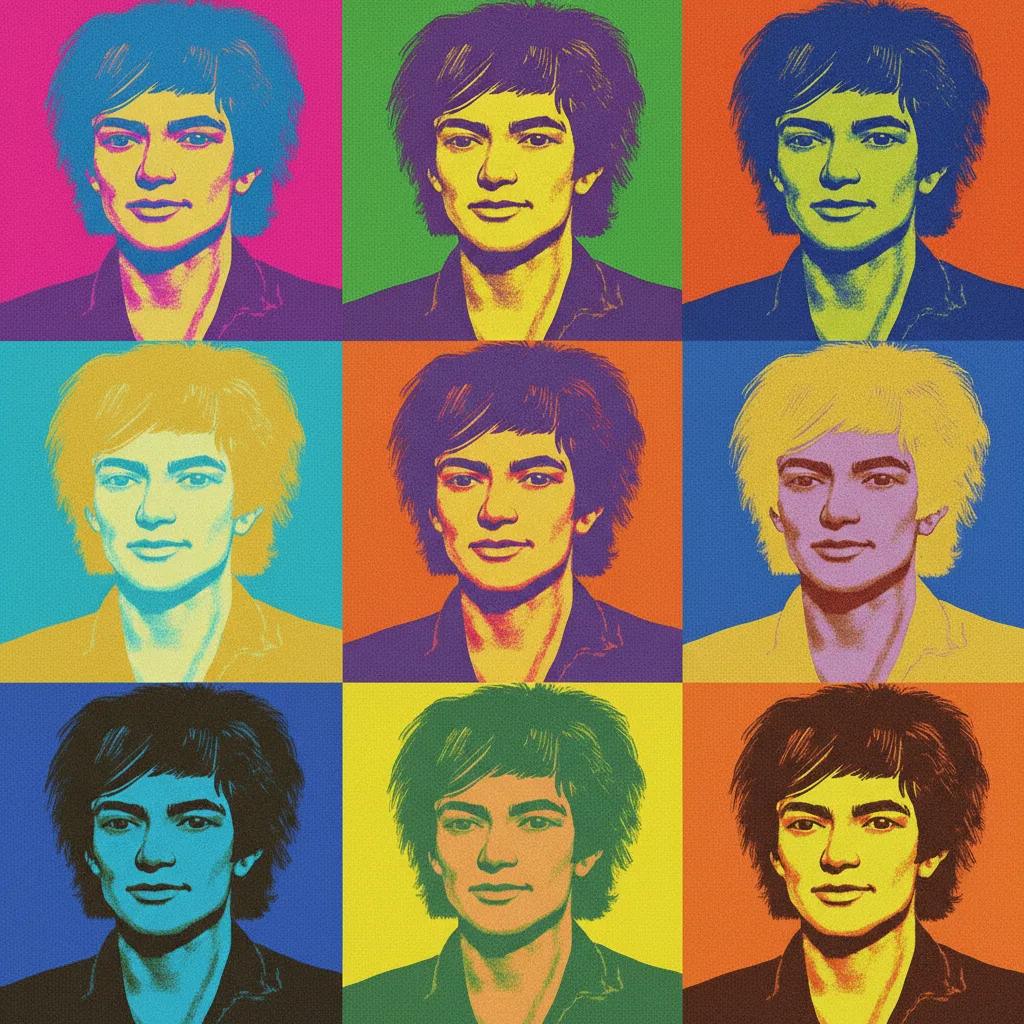
Real sample outputs migrated from our legacy site nanobananas.ai — not stock photos, not mockups.
How it works
Three steps to your first result
- 01
Upload or describe
Have an image? Upload it and say how you want it changed. No image? Just describe the picture you want — some modes offer extra settings to tune first.
- 02
Generate
Click generate and wait a few seconds without refreshing the page. If you leave midway, the finished image still lands in your history.
- 03
Refine and download
Re-edit the result with a follow-up prompt until you are happy, then download the high-resolution PNG or share it.
Pro tips
Get better results
Prepare target style keywords, such as oil painting, watercolor, cyberpunk, etc.
Describe the subject's pose, compositional hierarchy and realistic details to preserve
You can add brushstrokes, textures or canvas materials to make the style transfer more accurate
FAQ
Common questions
Prepare target style keywords — oil painting, watercolor, cyberpunk, ukiyo-e, pop art — and describe what must survive the transfer (pose, composition, key details). Brushstroke, texture, or canvas-material hints make the result more accurate.
Keep exploring
More modes to try
Portrait Enhancement
Make every selfie picture-perfect! Professional-grade enhancements that bring out your natural beauty
Isometric 3D Style
Give your images that adorable 3D video game look! Perfect for creating cute architectural or object designs
Sticker Generator
Create custom stickers from any photo! Perfect for messaging apps, social media, or printing your own sticker packs