Image to Image
Upload your photos and tell AI how to transform them! Creative magic happens when you combine images with your ideas
Upload your photos and tell AI how to transform them — restyle, re-season, or rebuild while keeping what already works. Up to 2 reference images (≤10 MB each) let words and pictures work together.
All modesYou can verify AI images with an independent checker.
Example outputs
Real results from this mode
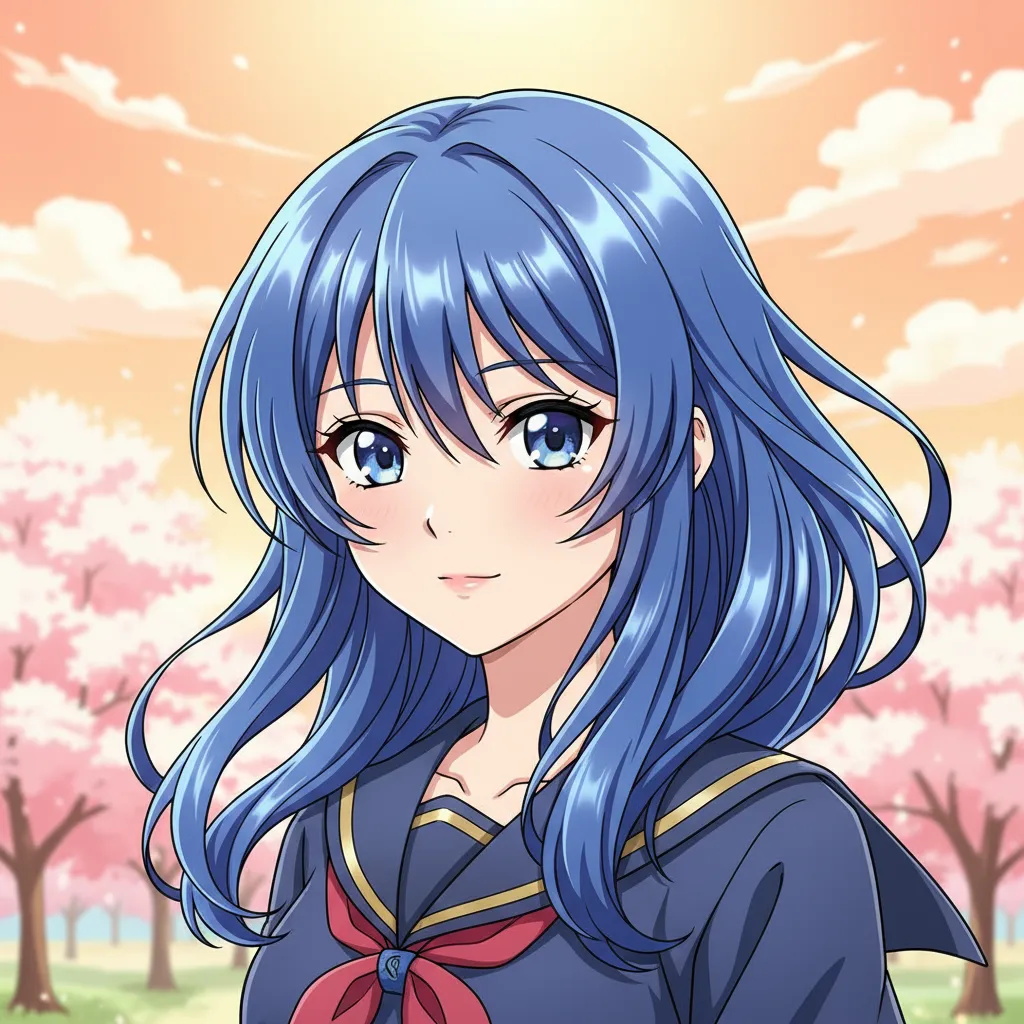
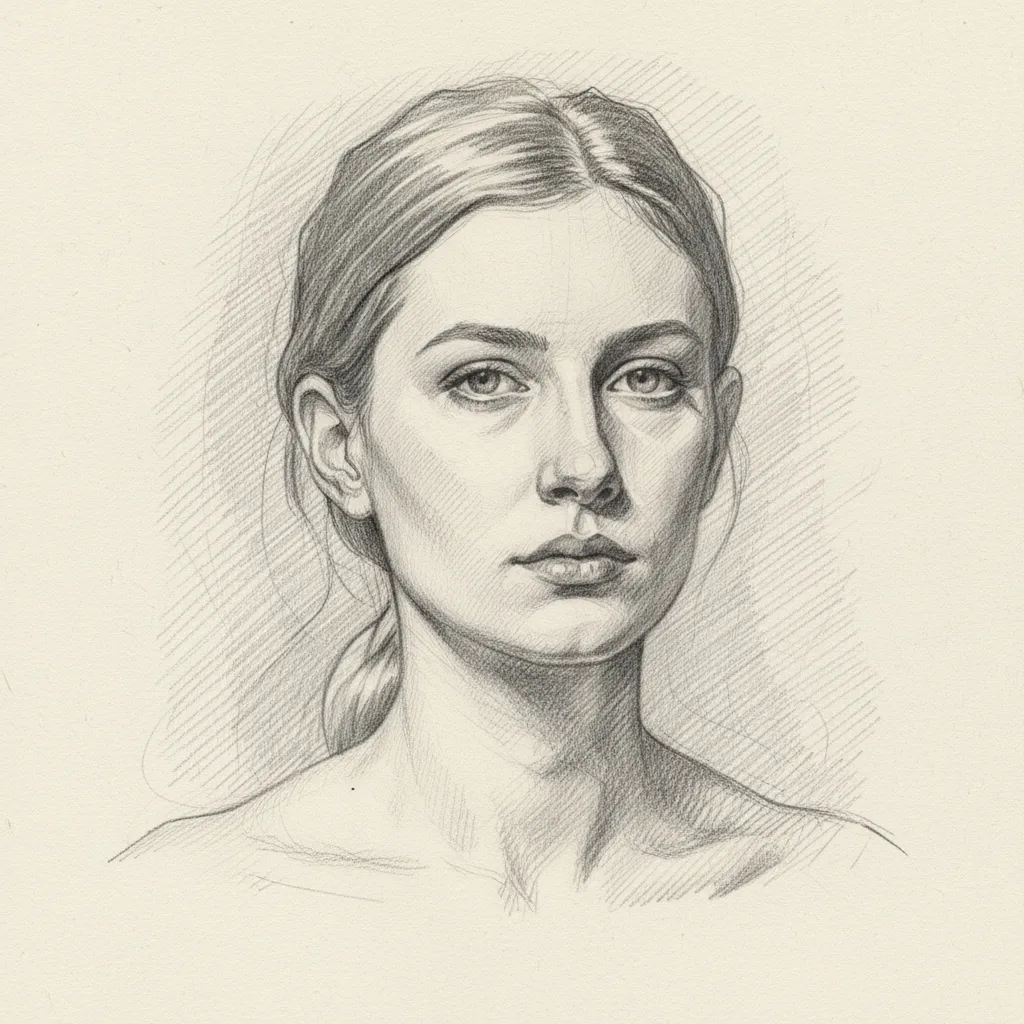
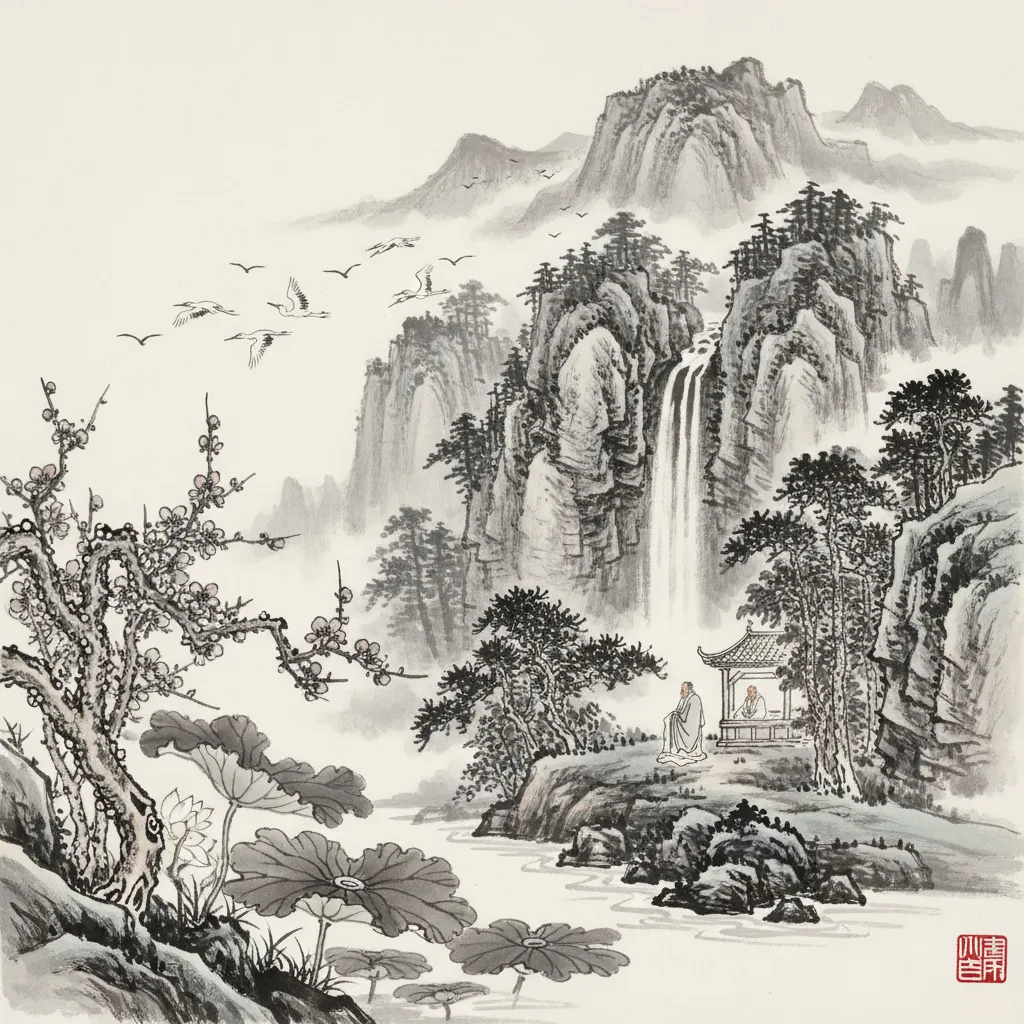
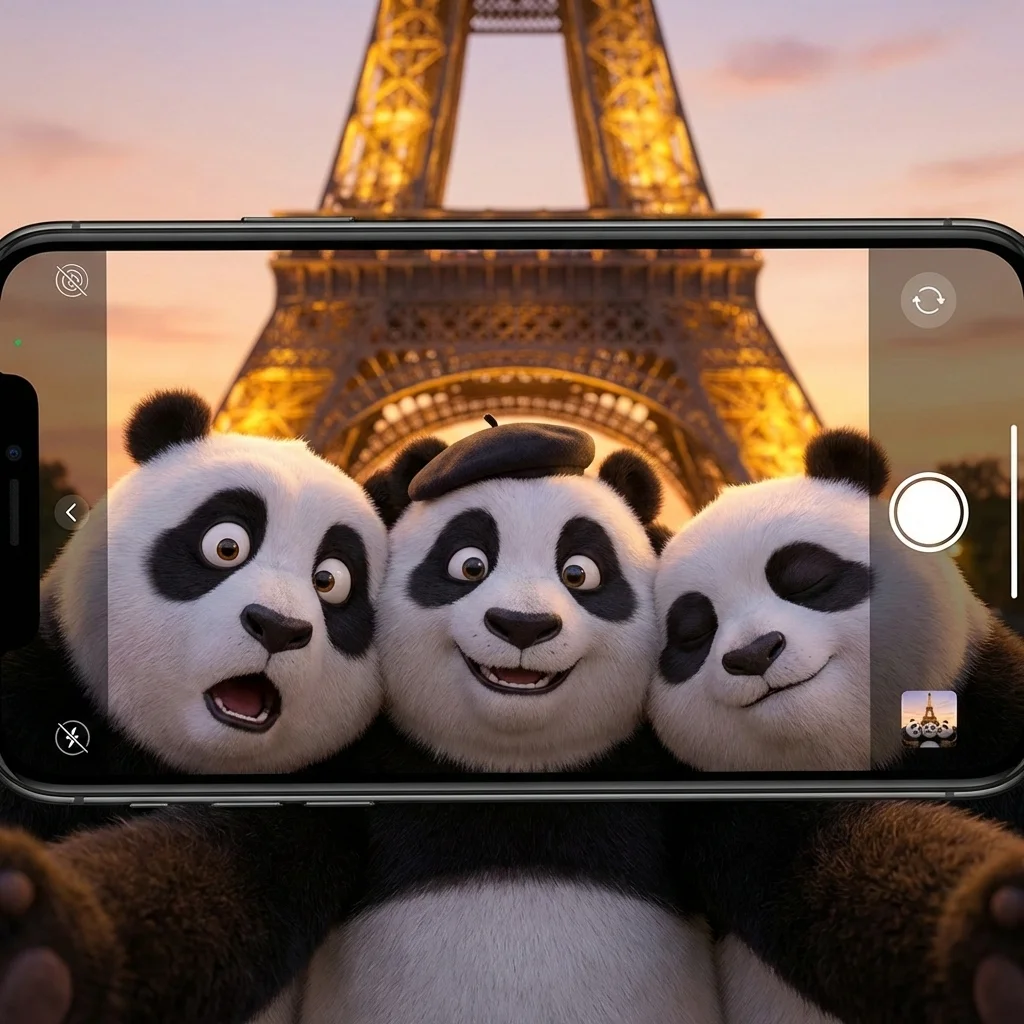
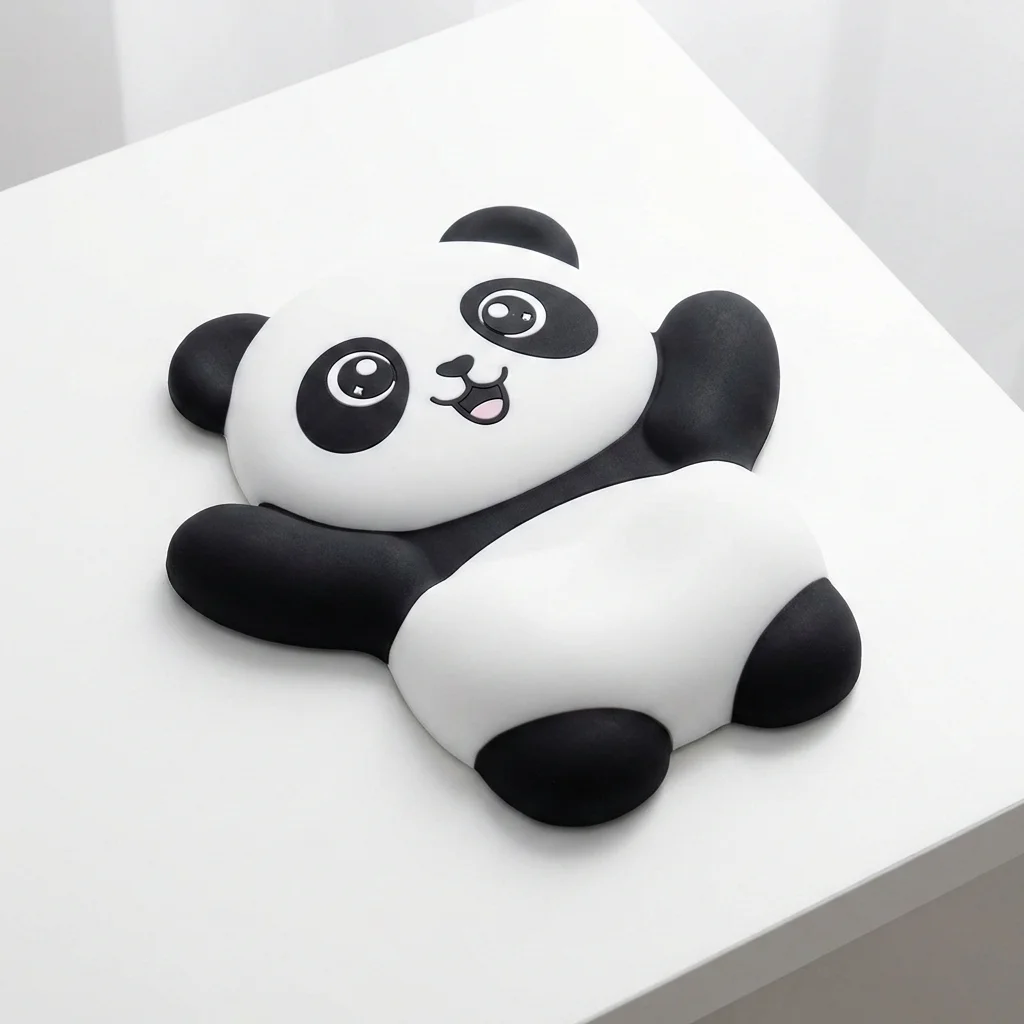
Real sample outputs migrated from our legacy site nanobananas.ai — not stock photos, not mockups.
How it works
Three steps to your first result
- 01
Upload or describe
Have an image? Upload it and say how you want it changed. No image? Just describe the picture you want — some modes offer extra settings to tune first.
- 02
Generate
Click generate and wait a few seconds without refreshing the page. If you leave midway, the finished image still lands in your history.
- 03
Refine and download
Re-edit the result with a follow-up prompt until you are happy, then download the high-resolution PNG or share it.
Pro tips
Get better results
Upload a clear original image and specify the subjects or areas to preserve, such as characters, products, or background elements
In the prompt, specify the transformation direction: changing scenes, adjusting lighting and shadows, adding materials or special effects
First generate multiple versions with different strengths, select the satisfactory result and then make local adjustments
FAQ
Common questions
Up to 2 reference images, each no larger than 10 MB (PNG, JPEG, or WEBP). Tell the model what to change and — just as important — what to keep, and it will transform the rest.
Keep exploring
More modes to try
Collectible Figure
Showcase your collectibles in epic scenes! Place figures on desks, in display cases, or anywhere you dream of
Meme Generator
Turn any photo into hilarious memes instantly! Pick your favorite layout and add witty text for maximum laughs
Art Style Transfer
Turn your photos into museum-worthy art! From impressionist paintings to pop art masterpieces in seconds